Industrial Panel PC
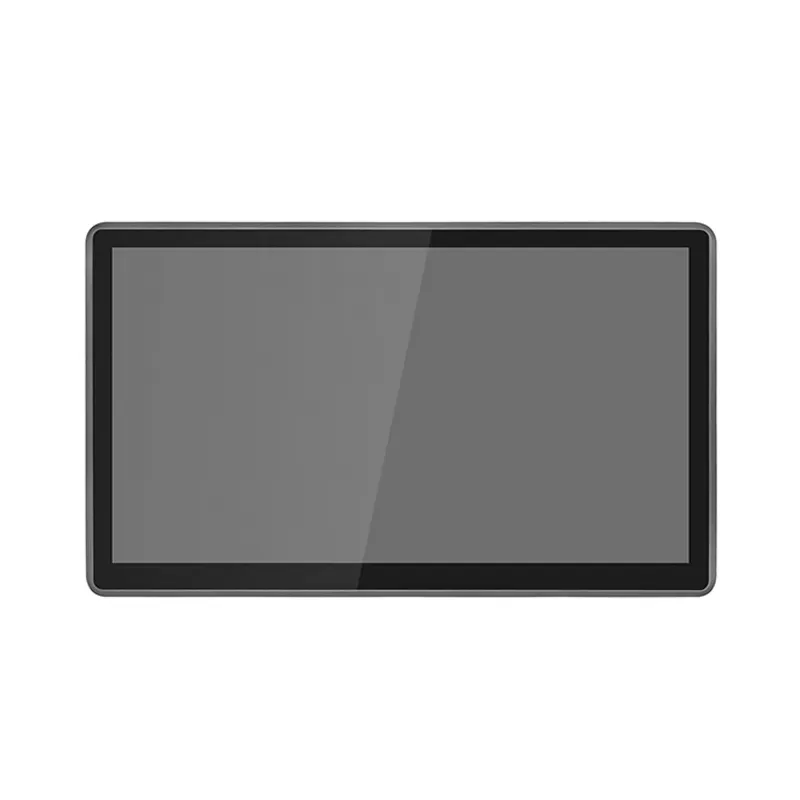
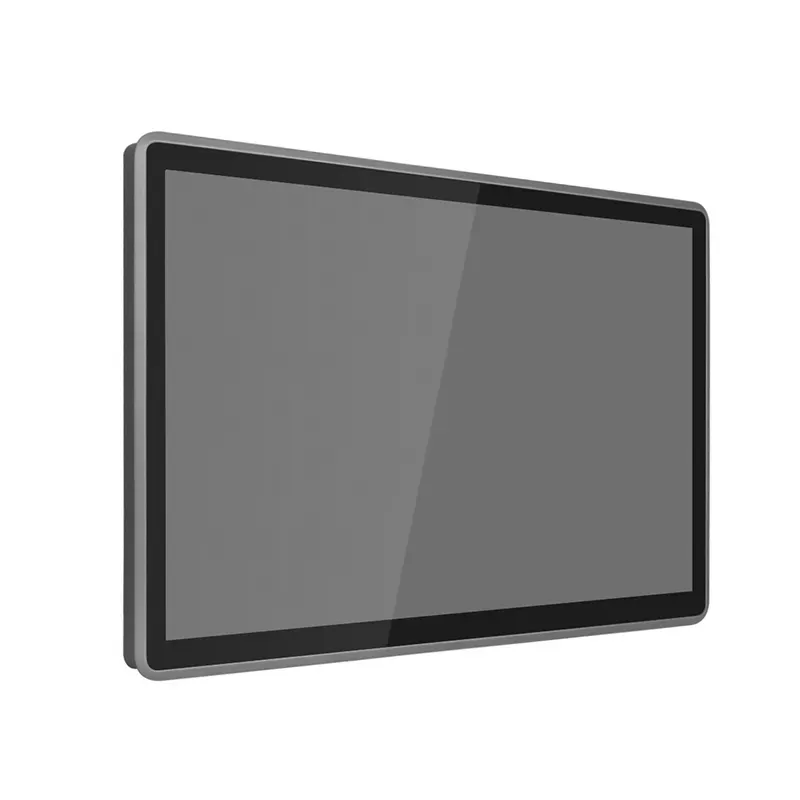
18.5 Inch Windows HMI Panel PC for Production Dashboards
Configure an 18.5-inch Full HD Windows panel PC with industrial I/O, panel or VESA mounting, optional touch and 9–36V DC input.
Specifications
- Display
- 18.5 inch 1920*1080 wide screen
- Processor
- Optional CPU J4125/J6412/N100 / Core i5/i7 8-13th Gen
- Multiple IO
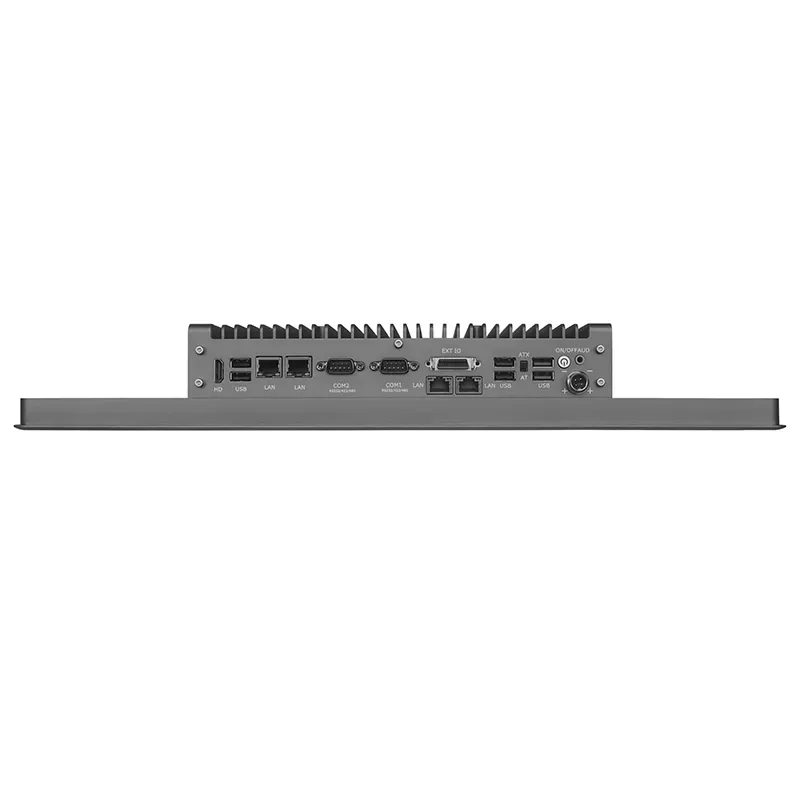
- 6*USB, 2-4COM, 2-4 LAN ports
- Power DC
- 9-36V DC
Choose this 18.5-inch Windows industrial panel PC when a 15.6-inch screen is too constrained for the operator layout but a 21.5-inch unit does not fit the available enclosure. Its Full HD panel gives production teams room for alarms, trends, process values and machine controls without forcing a larger cabinet redesign.
Request a configuration review: send the enclosure drawing, I/O list and Windows workload through the contact page. We will check the selected processor board, memory, storage, ports and power input as one build before quotation.
Use the product overview to compare other form factors. For company background and integration scope, see About VstrongTechPC.
Why integrators shortlist this model
- 1920 × 1080 resolution provides more room for alarms, trends and machine controls than a lower-resolution 18.5-inch interface.
- The 9–36V DC input covers common control-cabinet supply ranges without fixing every project to one nominal voltage.
- Two LAN ports, an optional four-LAN arrangement, six USB ports and configurable serial connections support mixed machine, service and peripheral networks.
- Panel mounting and 75/100 mm VESA mounting give the mechanical designer two installation paths.
These are configuration advantages, not a promise that every option can be combined. The selected processor platform determines memory type, USB layout and some expansion choices.
Plan the display around the operator workflow
The standard 18.5-inch TFT-LCD runs at 1920 × 1080 resolution with 250 cd/m² brightness. That format suits indoor production dashboards, line-status screens and machine interfaces where several information zones must remain visible at once.
A five-wire resistive touchscreen is listed as the standard option, with capacitive touch available when the project calls for lighter finger input or a glass-front interaction style. The front panel is rated IP65, helping protect the operator-facing surface against dust and water exposure when the unit is installed correctly.
The standard brightness is 250 cd/m². It should not be specified for direct-sunlight use.
Select the processor for the actual HMI load
The processor range lets an integrator match computing cost to the software workload:
- Intel Celeron J4125 or J6412 configurations suit focused HMI, data-entry and equipment-control applications.
- Intel N100 provides a newer low-power option; confirm the required OS image and driver availability before freezing the BOM.
- Platform-dependent 8th–13th Gen Intel Core i5/i7 configurations support heavier visualization, multiple applications or larger local data workloads.
Memory type and capacity depend on the selected processor platform. Confirm the required Windows image, application memory and long-term CPU availability before freezing the bill of materials.
Map every port before ordering
The base networking configuration provides two RJ45 Ethernet ports, with an optional four-LAN arrangement for projects that separate machine, camera, supervisory and service networks. The listed platform configurations provide six USB ports.
For serial equipment, the unit includes two DB ports configurable for RS-232/422/485. Four additional RS-232 ports can be supplied through the expansion interface. This makes the panel PC suitable for mixed installations that still depend on PLCs, scanners, meters or legacy serial controllers.
Storage choices include M.2 SATA, a 2.5-inch SATA device and M.2 NVMe. Wireless and cellular options use the listed M.2 expansion positions. These choices are configuration-dependent, so the storage, wireless and I/O plan should be reviewed together instead of treated as independent add-ons.
Verify enclosure and power compatibility
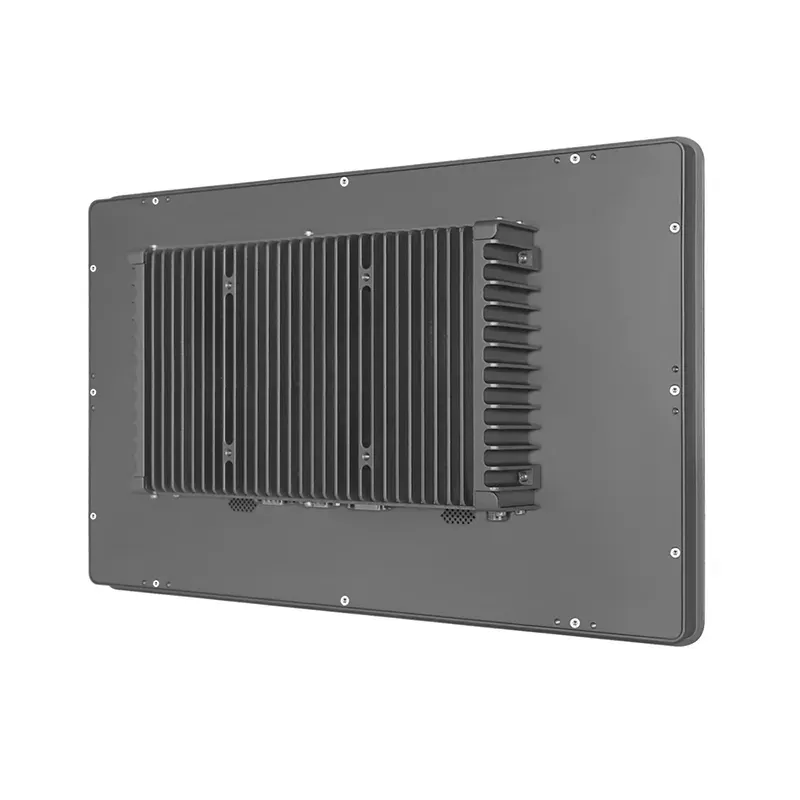
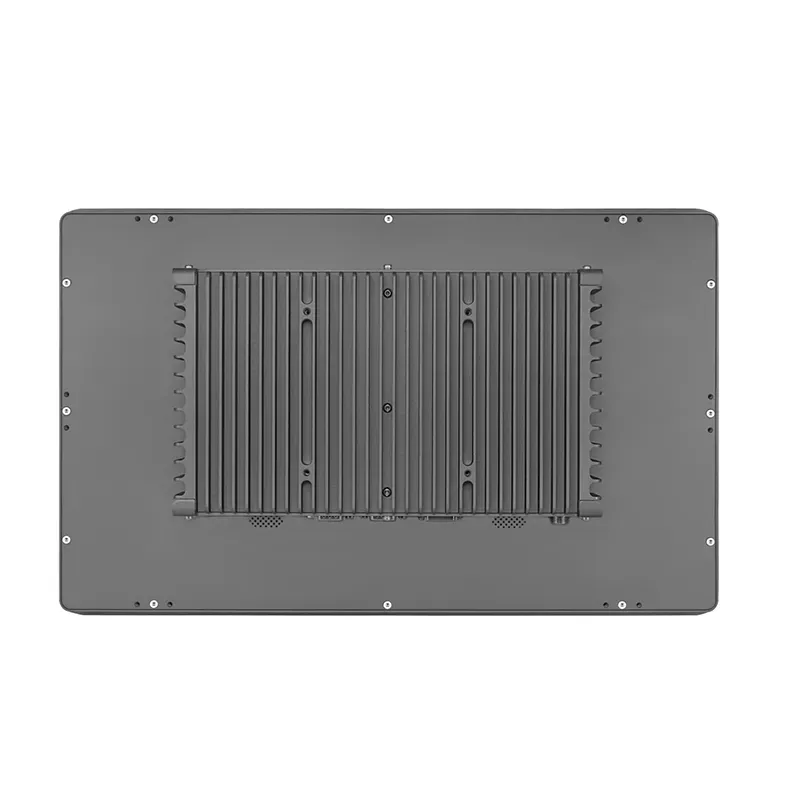
The aluminum enclosure measures 447.2 × 273.6 × 66.5 mm. It supports panel mounting and 75/100 mm VESA mounting. Confirm the panel cutout, rear clearance, connector bend radius and service access against the mechanical drawing before machining the enclosure.
The computer accepts 9–36V DC input, which is useful where available control-cabinet voltage differs between installations. The listed AC adapter is 12V/5A. Final power planning should account for the selected CPU, storage devices, attached USB equipment and any expansion modules. The source sheet does not provide the connector pinout, polarity or configuration-specific current draw; confirm those items in the order document before wiring.
The stated operating range is -10 to 60°C with airflow, with storage from -20 to 70°C. Integrators should still evaluate cabinet temperature, airflow path and heat from adjacent equipment under the intended workload.
P185E-J422R specification
The following values describe the configurable P185E-J422R platform. Options and maximum capacities remain platform-dependent and should be confirmed for the selected CPU board.
Section | Item | Specification |
|---|---|---|
LCD display | Display type | 18.5-inch TFT-LCD |
LCD display | Viewing angle | 85° left, 85° right, 85° up, 85° down |
LCD display | Resolution | 1920 × 1080 |
LCD display | Luminance | 250 cd/m² |
LCD display | Backlight life | 30,000 hours minimum MTBF |
Touchscreen | Touch type | Five-wire resistive; capacitive optional |
Touchscreen | Light transmission | 85% |
Touchscreen | Life | 10 million activations |
CPU | Processor options | Intel Celeron J4125, J6412 or N100; 8th–13th Gen Intel Core i5/i7 configurations |
Memory | Capacity | Platform-dependent DDR4/DDR5 SODIMM; up to 8 GB on J4125, 32 GB on J6412, 16 GB on N100, or 64 GB on listed Core i5/i7 platforms |
Storage | Interfaces | M.2 2242/2260/2280 SATA, 2.5-inch SATA, and M.2 2280 NVMe |
Expansion | Cellular and wireless | Optional M.2 3042/3052 3G/4G/5G with onboard SIM slot; M.2 2230 Wi-Fi and Bluetooth |
Ethernet | Controller and ports | Intel i225V; two RJ45 LAN ports, optional four-LAN configuration |
Audio | Interface | One audio line out |
Watchdog | Support | Yes |
I/O | USB | Six ports; USB 2.0/3.0 mix depends on selected platform |
I/O | COM | Two DB RS-232/422/485 ports; four optional RS-232 ports through expansion |
I/O | HDMI | One HDMI output |
I/O | GPIO | Optional through expansion port |
Power | Input | 9–36V DC aviation connector |
Power | Adapter | AC-to-DC, 12V/5A |
Environment | Operating temperature | -10 to 60°C with airflow |
Environment | Storage temperature | -20 to 70°C |
Environment | Relative humidity | 95% at 40°C, non-condensing |
Environment | Vibration | With SSD: 3 Grms, IEC 60068-2-64, random, 5–500 Hz, 1 hour per axis |
Environment | Shock | With SSD: 30 G, IEC 60068-2-27, half sine, 11 ms |
Mechanical | Mounting | Panel mount or 75/100 mm VESA mounting |
Mechanical | Dimensions | 447.2 × 273.6 × 66.5 mm |
Mechanical | Construction | Aluminum housing |
Protection | Front panel | IP65 compliant |
OS | Supported systems | Windows 10, Ubuntu, or CentOS |
Processor and memory compatibility
Processor platform | Memory configuration | USB layout | Integration note |
|---|---|---|---|
Intel Celeron J4125 | One DDR4 SODIMM, up to 8 GB | Four USB 2.0 plus two USB 3.0 | For focused HMI and equipment-control workloads |
Intel Celeron J6412 | One DDR4 SODIMM, up to 32 GB | Four USB 2.0 plus two USB 3.0 | Adds memory headroom for larger local applications |
Intel N100 | One DDR5 SODIMM, up to 16 GB | Four USB 2.0 plus two USB 3.0 | Newer low-power Windows platform |
8th or 10th Gen Intel Core i5/i7 | Two DDR4 SODIMMs, up to 64 GB | Four USB 3.0 plus two USB 2.0 | Confirm the exact CPU board and lifecycle before BOM release |
11th Gen Intel Core i5/i7 | Two DDR4 SODIMMs, up to 64 GB | Four USB 2.0 plus two USB 3.0 | Confirm storage and expansion coexistence |
12th or 13th Gen Intel Core i5/i7 | Two DDR5 SODIMMs, up to 64 GB | Four USB 3.0 plus two USB 2.0 | For heavier visualization or multi-application workloads |
Storage, cellular, wireless, optional four-LAN and extra serial configurations still require a build-level check. This is a configurable-to-order platform rather than a fixed-SKU catalog; do not treat any combination as orderable until the configuration review is complete.
Need engineering documents? Ask for the current P185E-J422R specification sheet, mechanical or panel-cutout drawing, I/O map and any compliance documents available for the selected platform. These documents are supplied for configuration review rather than inferred from unverified catalog claims.
Where this 18.5-inch format fits
This model is a practical option for:
- Production dashboards that must show alarms, trends and line status together.
- Machine interfaces where Full HD detail is useful but a 21.5-inch panel is too large.
- Inspection or machine-vision stations that need separate camera and control-network connections.
- Process-monitoring terminals using a mix of Ethernet, USB and serial devices.
- Retrofit projects where panel depth, VESA mounting and wide-voltage input must be checked before installation.
Configuration checklist
Before requesting a quotation, provide:
- The panel cutout or VESA mounting requirement.
- Touch preference: resistive or capacitive.
- Windows version and application workload.
- Required CPU and memory class.
- Exact LAN, COM and USB port count.
- Storage, Wi-Fi, Bluetooth or cellular requirements.
- Available DC voltage and connector requirements.
- Expected cabinet temperature and airflow.
Send the panel cutout drawing and I/O list through the contact page. The configuration can then be checked against the mechanical, processor and expansion options before the final BOM is quoted.